
Create a deliverable with AI
Describe what you need and Xtensio drafts a complete deliverable for you: sections, modules and real copy, in your brand’s colours and with your logo. Then you edit it like any other deliverable.
Start a generation
- Choose + Add Deliverable at the top right of your dashboard, then Generate with AI.
- Under What would you like to create today?, describe it in a sentence or two, or pick one of the example prompts.
- Optionally give it more to work from with + Website, + Text or + File.
- Choose Generate Deliverable.
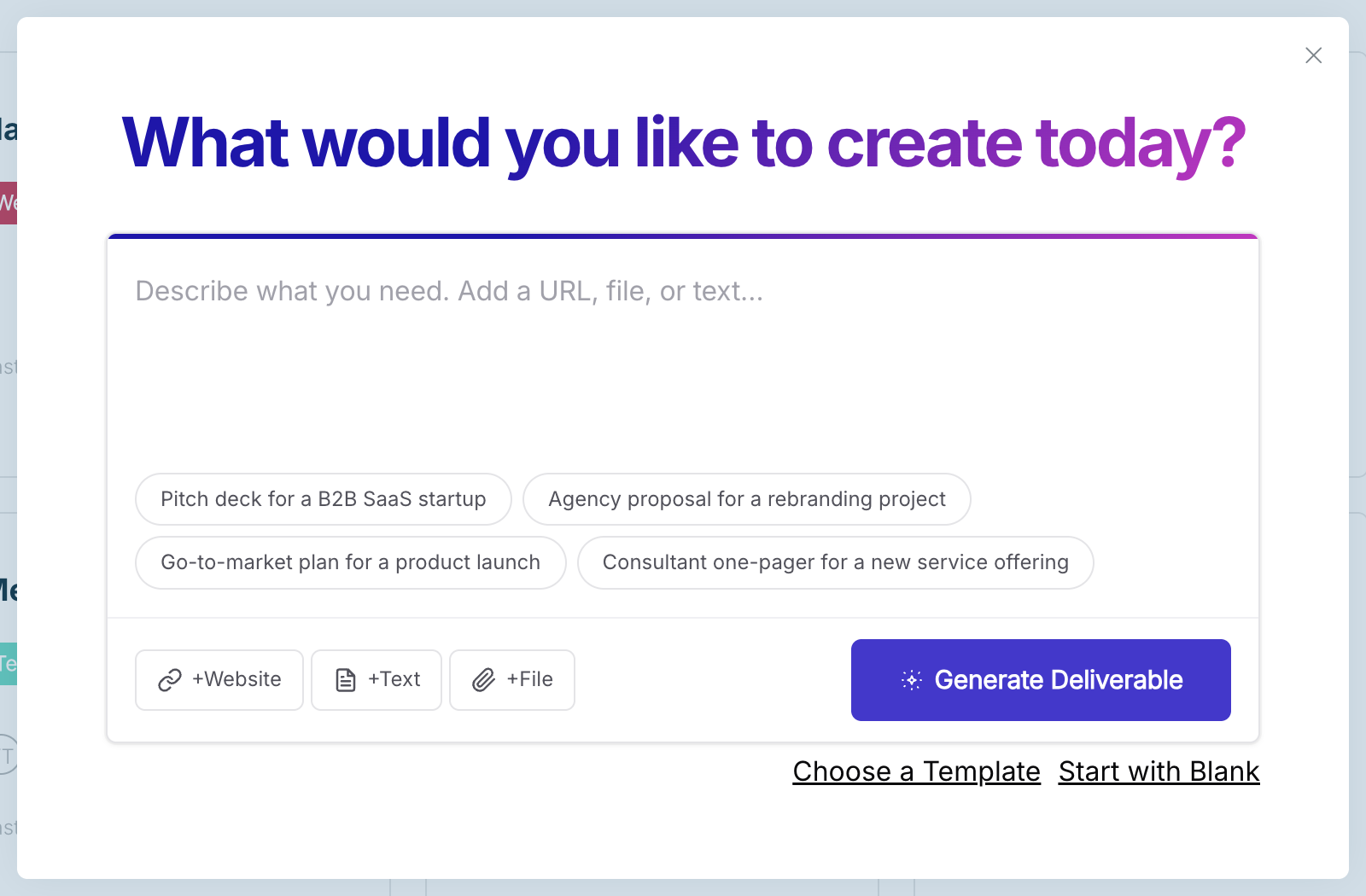
When it’s ready, the deliverable opens in the editor and is saved on your dashboard.
What to give it
- A clear description. “A one-pager for our bookkeeping service aimed at restaurant owners” works better than “one-pager”.
- Your website, so it can pick up what you do, your logo and your colours.
- Your own text or a file, so the draft uses your content rather than starting from scratch.
What you can create
Proposals, one-pagers, fact sheets, pitch decks, user personas, competitive analyses, SWOT analyses, business model canvases and more. You can also start from an AI template on the Templates page.
Prefer to start without AI?
In the same menu, choose Choose a Template or Start with Blank.
Already have a deliverable?
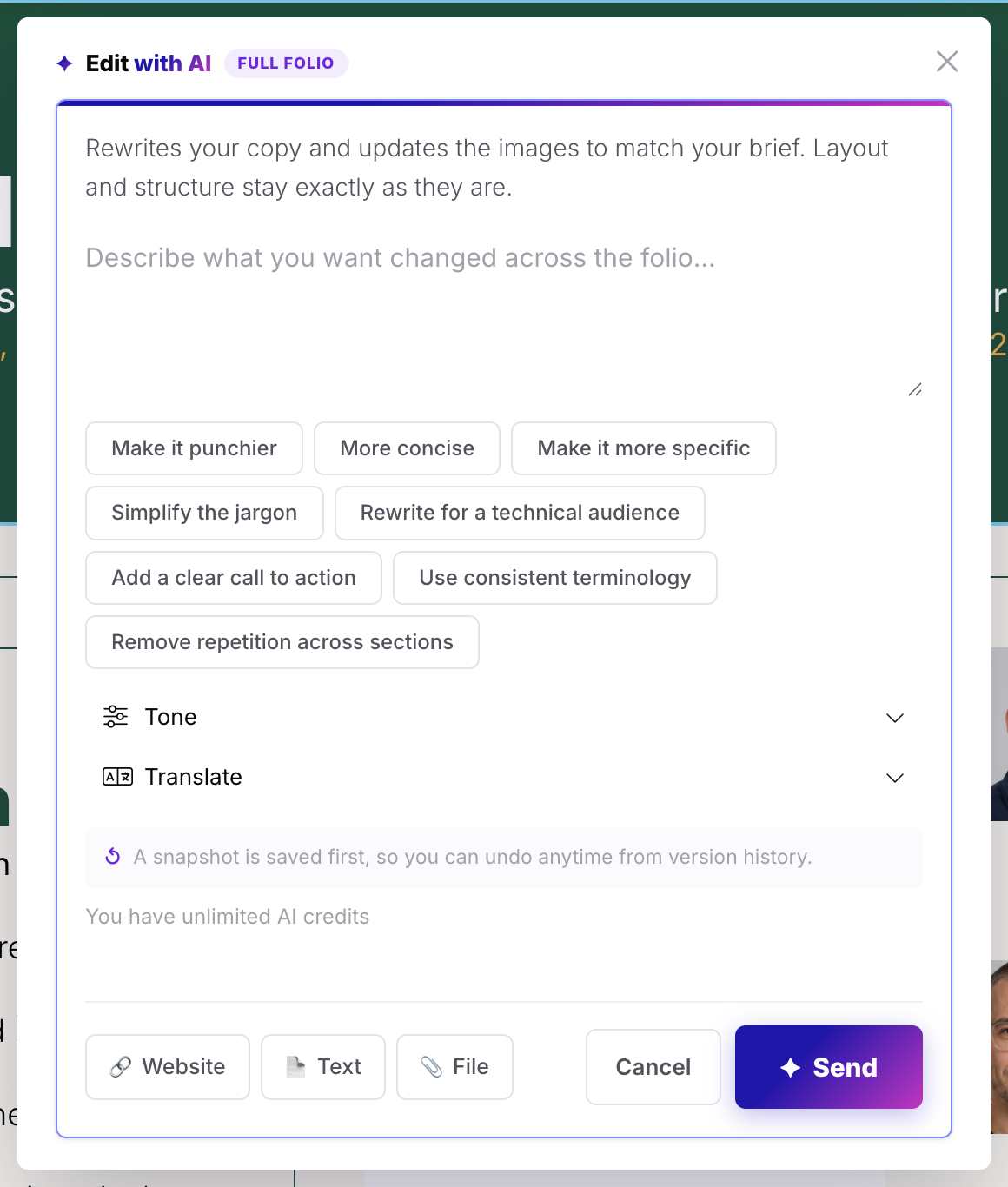
Use Edit Folio with AI (the purple button at the top of the editor) to rewrite the whole deliverable, or Edit Section with AI on a section’s toolbar. Both can change the tone or translate your content. See Languages and translation.
Generating and editing with AI uses AI credits. See How AI credits work.