
Languages and translation
Is Xtensio available in my language?
The Xtensio app itself is in English. Your content can be in any language: type straight into any module in your own language.
Create or translate with AI
- Create in your language: write your prompt in the language you want and the draft comes back in that language. See Create a deliverable with AI.
- Translate a deliverable: choose Edit Folio with AI at the top of the editor, open Translate, pick the language and choose Send. To translate just one section, use Edit Section with AI on that section’s toolbar.
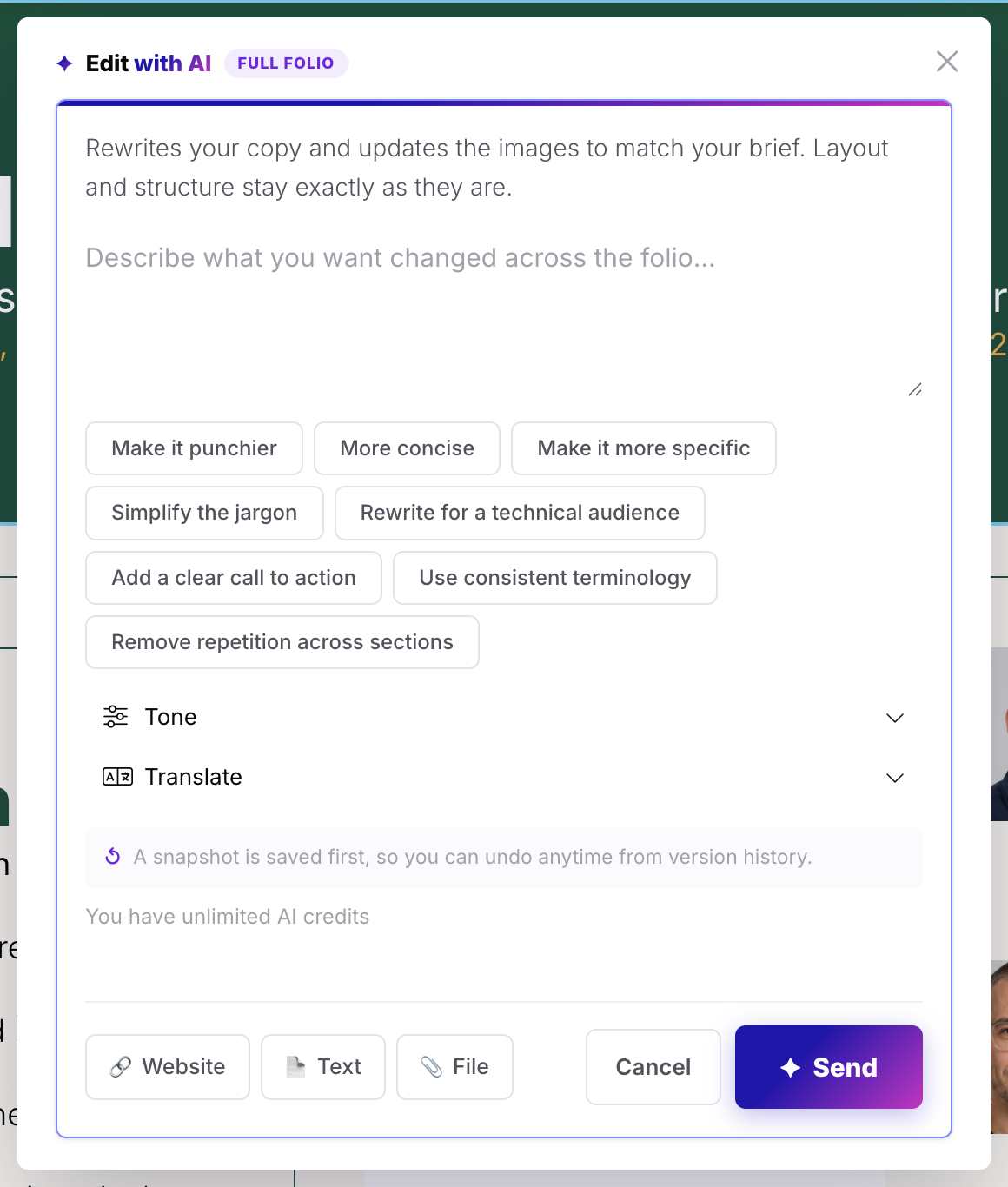
Translate covers English (US and UK), Spanish, French, German, Italian, Portuguese, Dutch, Polish, Swedish, Danish, Norwegian, Finnish, Czech, Romanian, Hungarian, Greek, Turkish, Japanese, Korean, Chinese (Simplified and Traditional), Vietnamese, Indonesian, Thai and Hindi.
Before AI changes a deliverable, a snapshot is saved, so you can undo it from Revision History. Translating uses AI credits.
Right-to-left languages
Right-to-left text, as used in Arabic and Hebrew, isn’t supported yet.
Related: Create a deliverable with AI · Revision history
Was this article helpful?