
Duplicate a deliverable
Make a copy of a deliverable, for example to reuse last month’s report for a new client.
From the dashboard
- Hover over the deliverable’s card and open its More menu (the three dots).
- Choose Duplicate.
- In New Deliverable, change the name if you like. It starts as Copy 1 – followed by the original name.
- Under Project workspace, choose where the copy should go.
- Choose Create Deliverable.
The copy appears at the top of Recent Deliverables, ready to edit.
From the editor
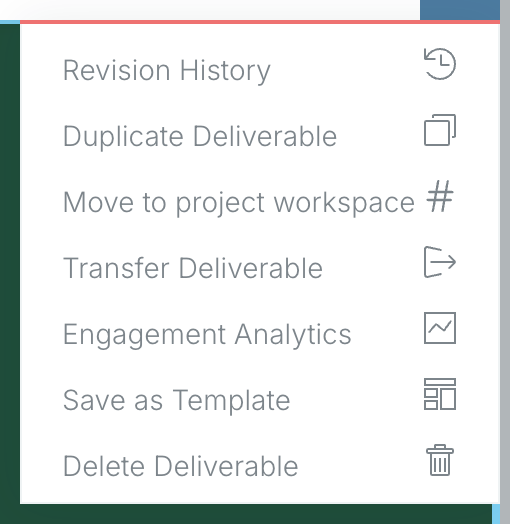
Choose More (the three dots) at the far right of the module bar, then Duplicate Deliverable.
A copy counts as a new deliverable, so on the free plan it uses one of your 10 deliverables.
Related: Your dashboard · Add deliverables to a project workspace
Was this article helpful?