
Find your deliverables
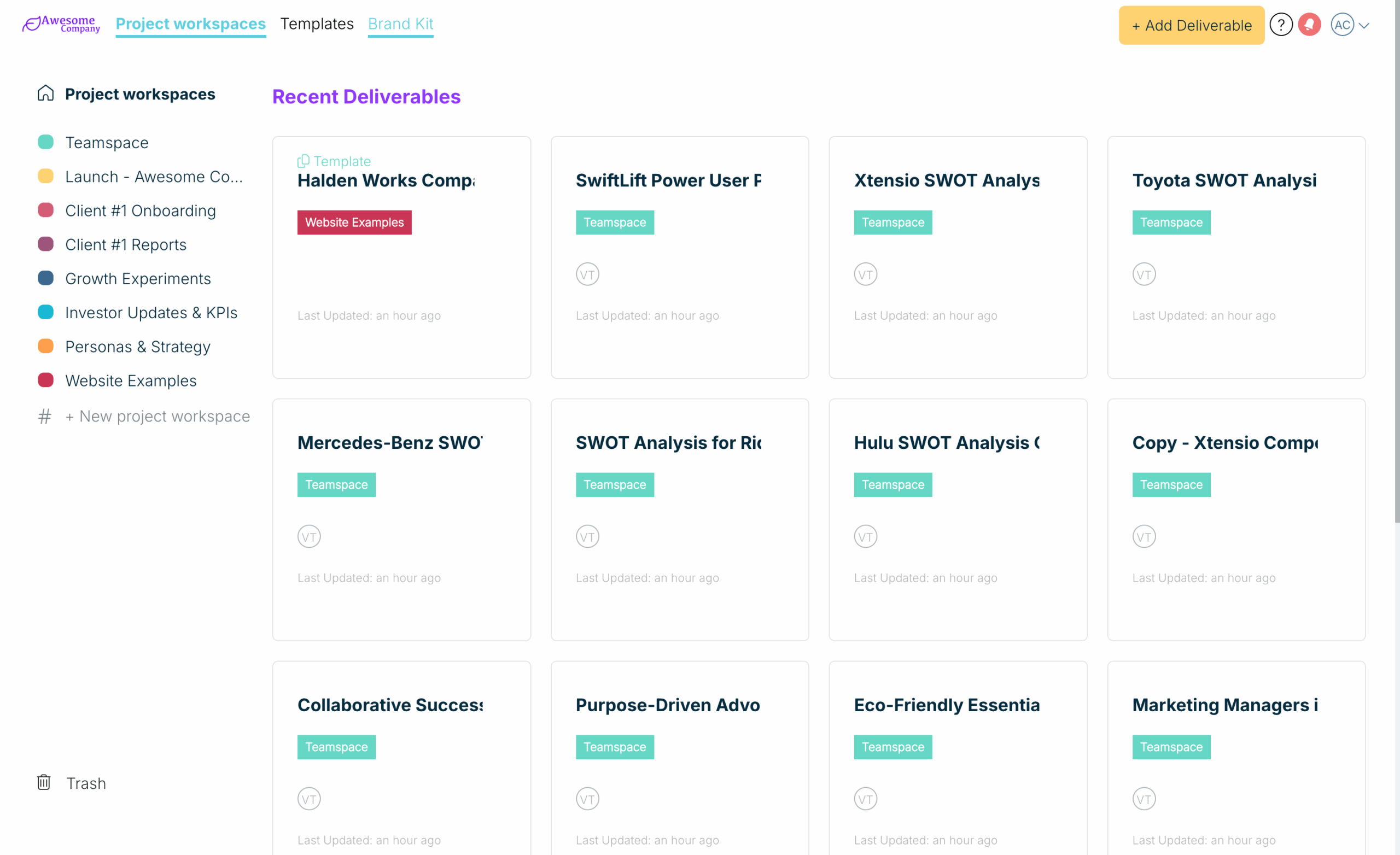
Your dashboard opens on Recent Deliverables, your latest work with the newest first. To narrow it down:
- Choose a project workspace in the sidebar to see only the deliverables in it. The header shows how many it holds.
- Inside a project workspace, use the sort menu at the right (it starts on Recent) and choose Sort by most recent or Sort A-Z.
- Choose Trash at the bottom of the sidebar to find deleted deliverables.
- Choose Project workspaces at the top of the sidebar to go back to Recent Deliverables.
There is no search box on the dashboard. To find a deliverable quickly, open the project workspace it belongs to and sort it A to Z.
Related: Your dashboard · Create a new project workspace · Delete and recover deliverables
Was this article helpful?