
Reset or change your password
Forgot your password
- Go to the Xtensio sign-in page.
- Choose Forgot password? below the sign-in form.
- Enter the email address you signed up with. We’ll email you a link to set a new password.
No email after a few minutes? Check your spam folder, and make sure you used the address on your account.
If you signed up with Continue with Google, you don’t have a separate Xtensio password. Use the Google button to sign in instead.
Change your password while signed in
- Open the menu under your initials at the top right and choose Account Settings.
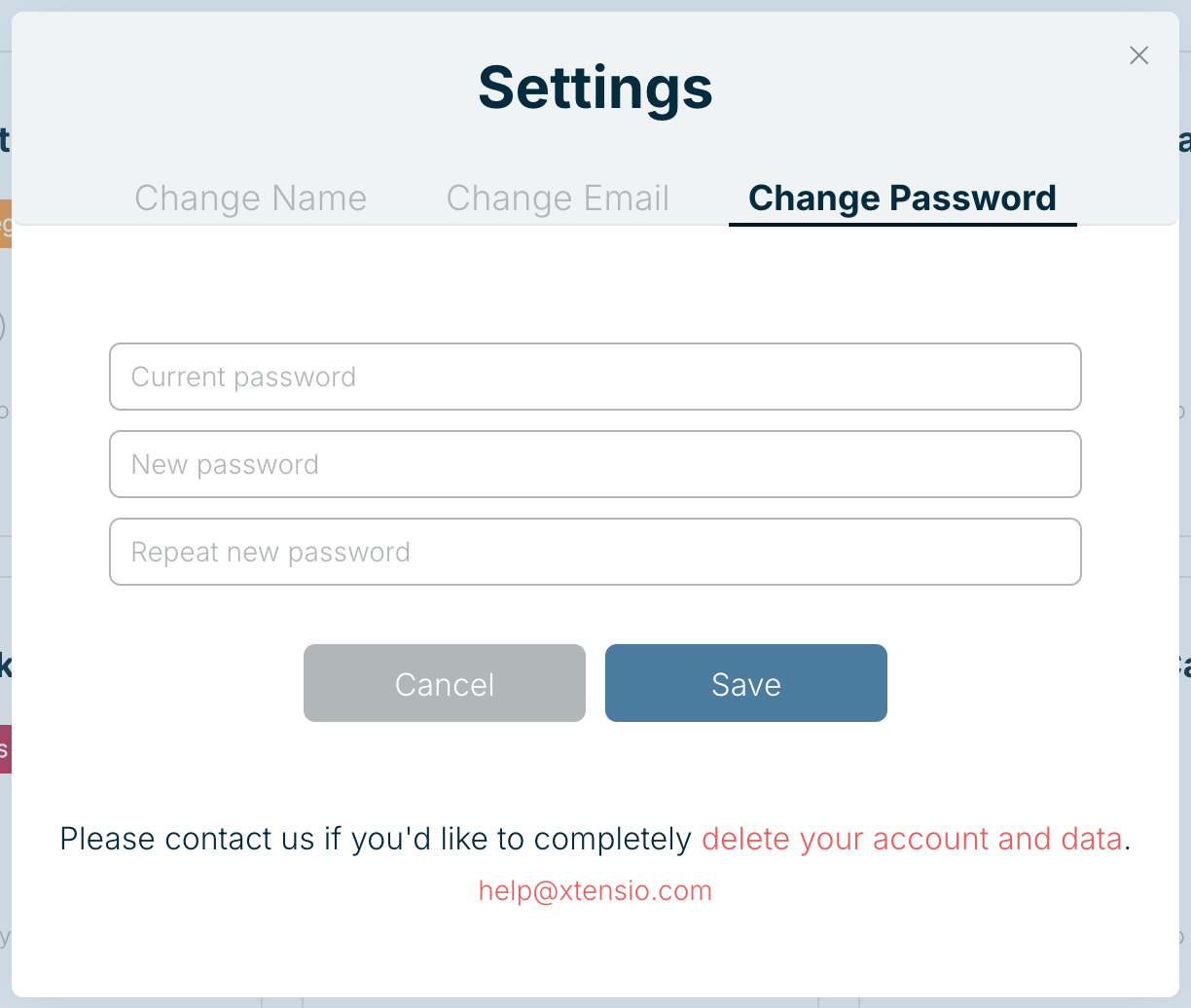
- Select the Change Password tab.
- Enter your current password, then your new password twice, and choose Save.
Related: Update your email address · Delete your account
Was this article helpful?