
Update your email address
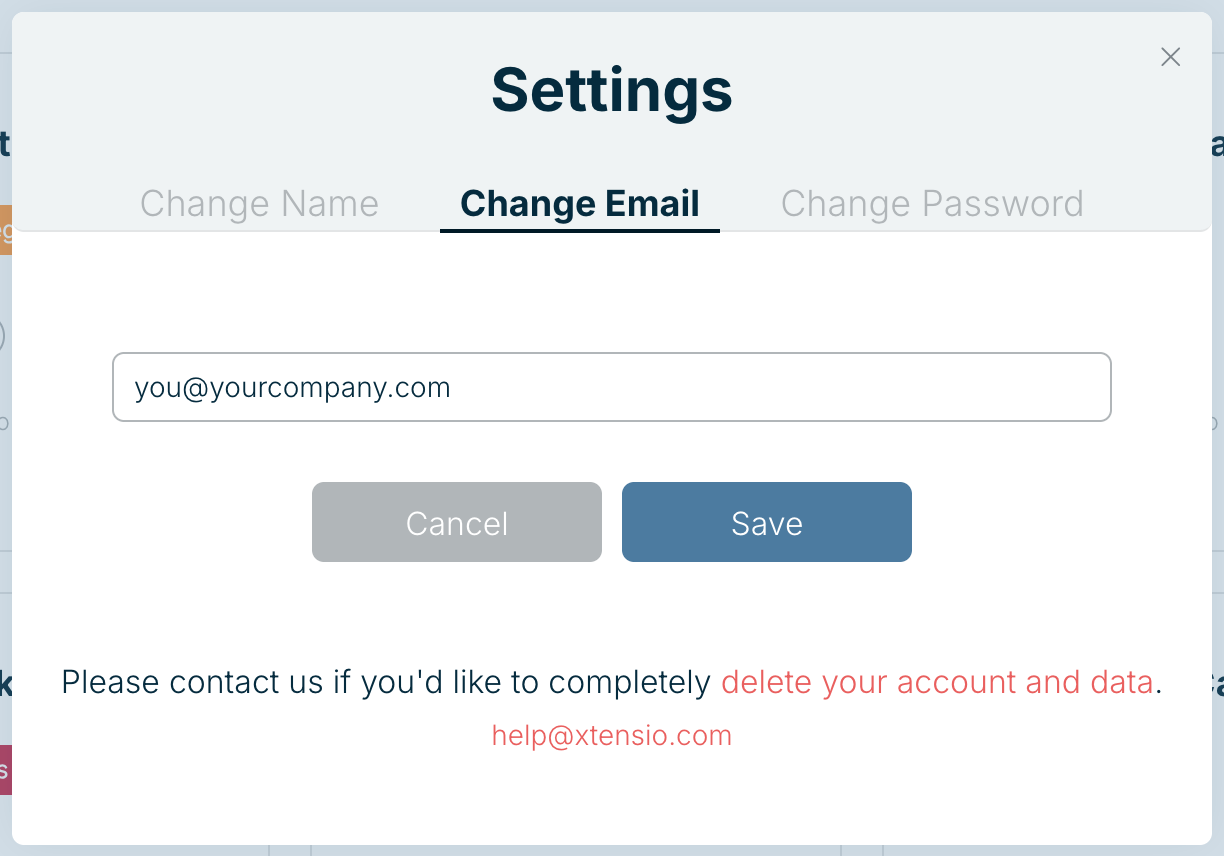
You can change the email address on your Xtensio account at any time. After the change, you sign in with the new address and all account emails go there.
- Open the menu under your initials at the top right and choose Account Settings.
- Select the Change Email tab.
- Type your new email address and choose Save.
Moving an account to someone else
If a colleague is leaving and someone else should own their work, changing the email on their account is one option. If you’d rather keep accounts separate, the owner can transfer individual deliverables instead. See Transfer a folio.
Signed up with Google?
If you sign in with Continue with Google, your account uses your Google address. Email help@xtensio.com if you need it moved to a different address.
Related: Reset account password · Delete your account
Was this article helpful?