
Set up your Brand Kit
Your Brand Kit holds your team’s colours, fonts and logo, and applies them to every new deliverable. It’s available on every plan.
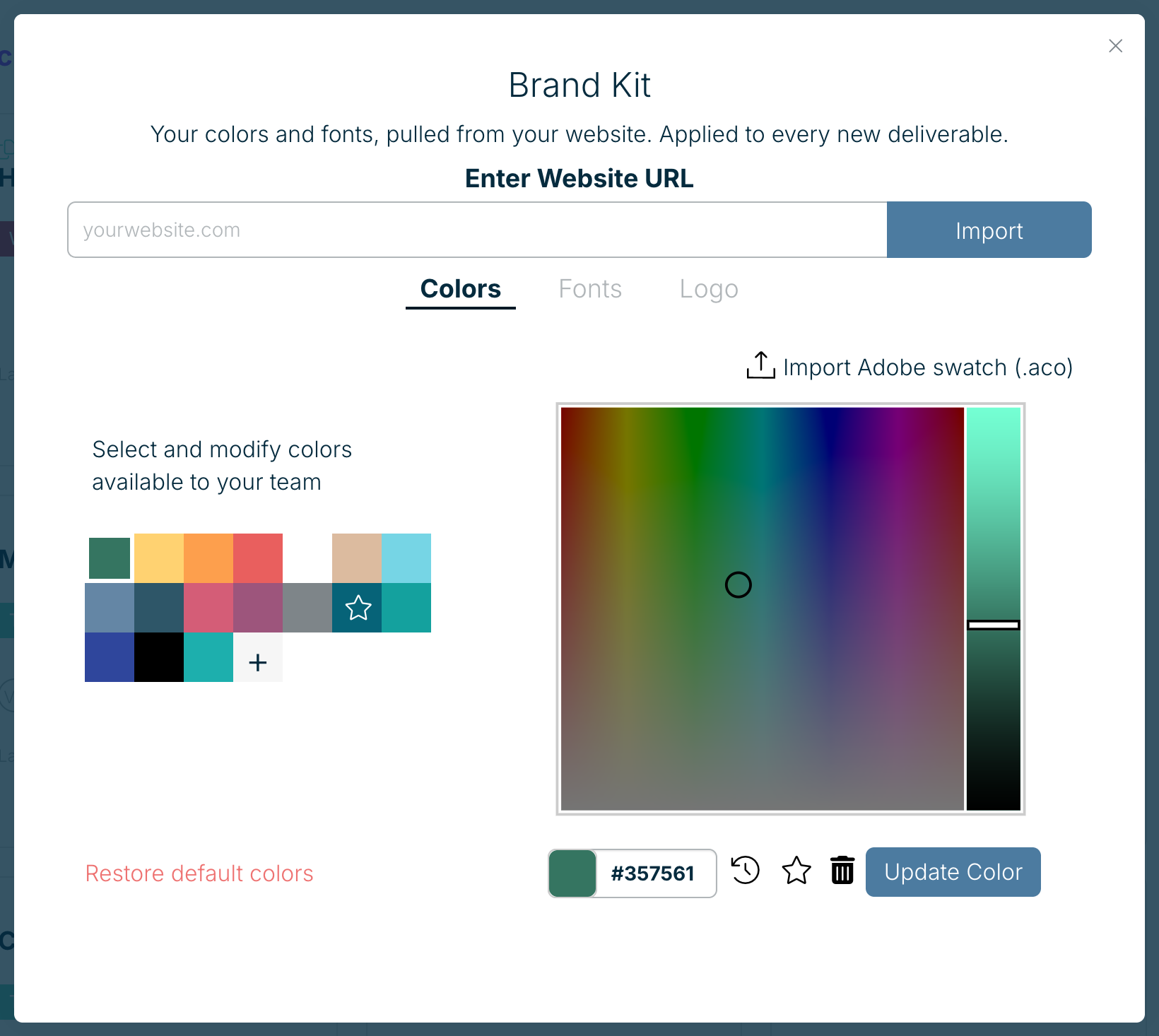
- Open Brand Kit in the navigation at the top of your dashboard.
- Enter your website address under Enter Website URL and choose Import. Xtensio picks up your colours, fonts and logo.
- Adjust anything on the Colors, Fonts and Logo tabs.
On Xtensio Plus you can also upload your own font files.
Related: Brand Kit colours · Brand Kit fonts · Change your team logo
Was this article helpful?