
Create a shared team template
A team template keeps your team’s proposals, reports and one-pagers consistent: everyone starts from the same approved layout and branding.
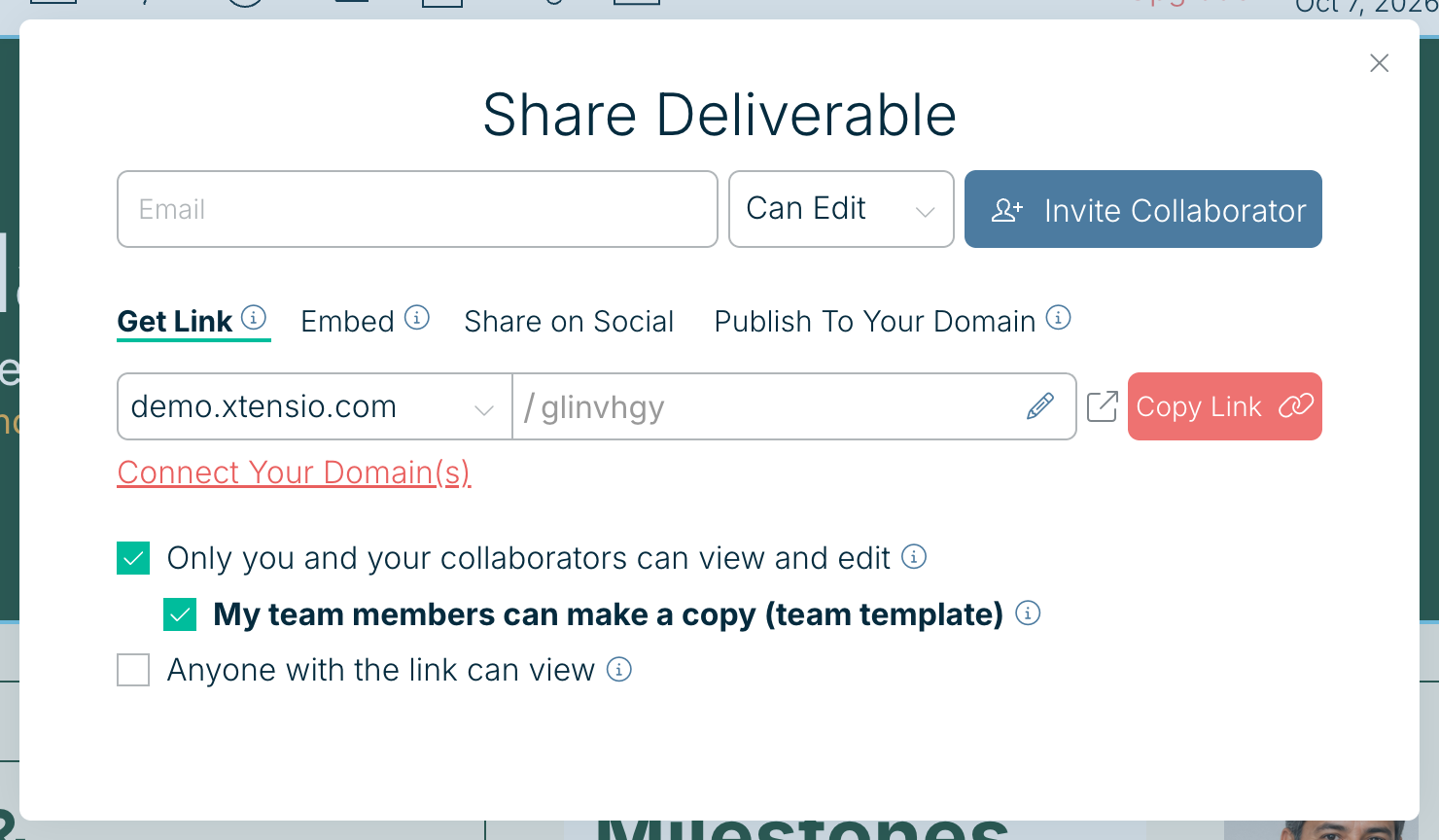
- Open the deliverable you want to use as the template and choose Share.
- Tick Only you and your collaborators can view and edit, then My team members can make a copy (team template).
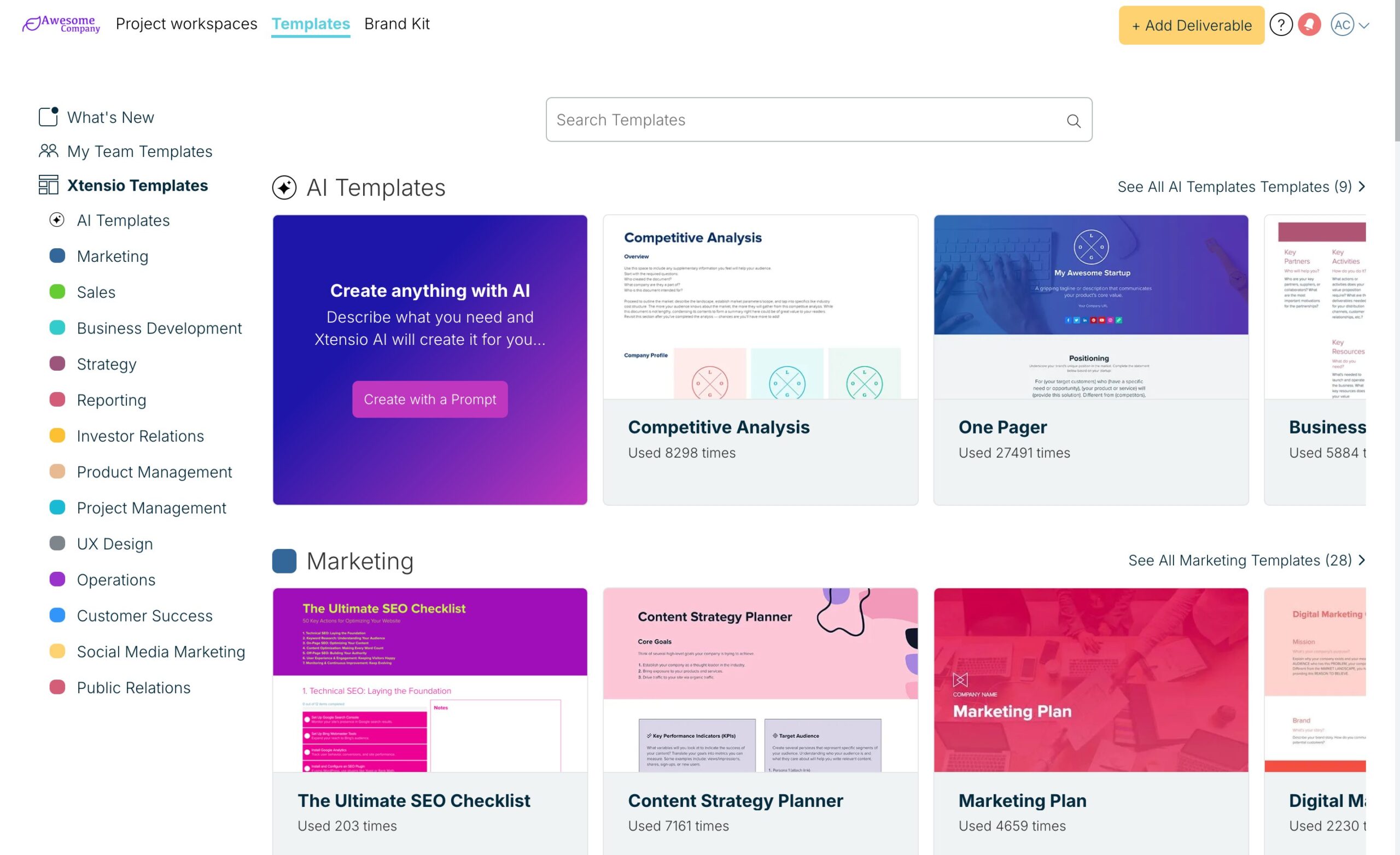
Your team finds it on the Templates page under My Team Templates, and can create a new deliverable from it.
Related: Create custom templates
Was this article helpful?