
Labels module
Labels highlight key words or traits as coloured tags, for example a persona’s goals or a client’s priorities.
- Choose Add Labels in the module bar.
- Type your labels.
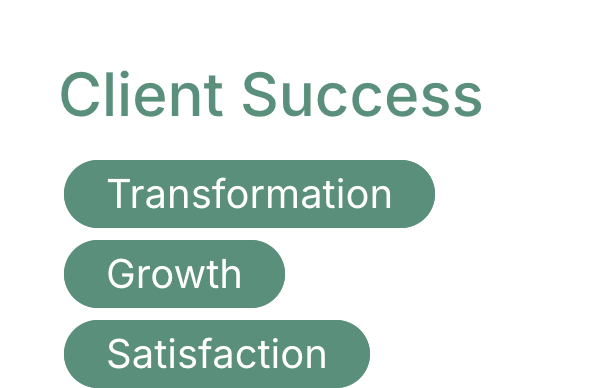
Labels use your deliverable’s colours. To change them for one module, select it and choose More > Color Scheme.
Related: Working with modules · The editor toolbar
Was this article helpful?