
Publish to your own domain (Xtensio Plus)
With Xtensio Plus you can connect a domain you own, such as deliverables.yourcompany.com, and publish deliverables there. Your clients see your address instead of xtensio.com. Plus includes one custom domain.
Before you start
- You need access to your domain’s DNS settings (wherever you bought the domain, or your IT team).
- Use a subdomain you aren’t using for anything else, such as
deliverables.orclients..
Connect your domain
- Open Connect Your Domains in the menu under your initials.
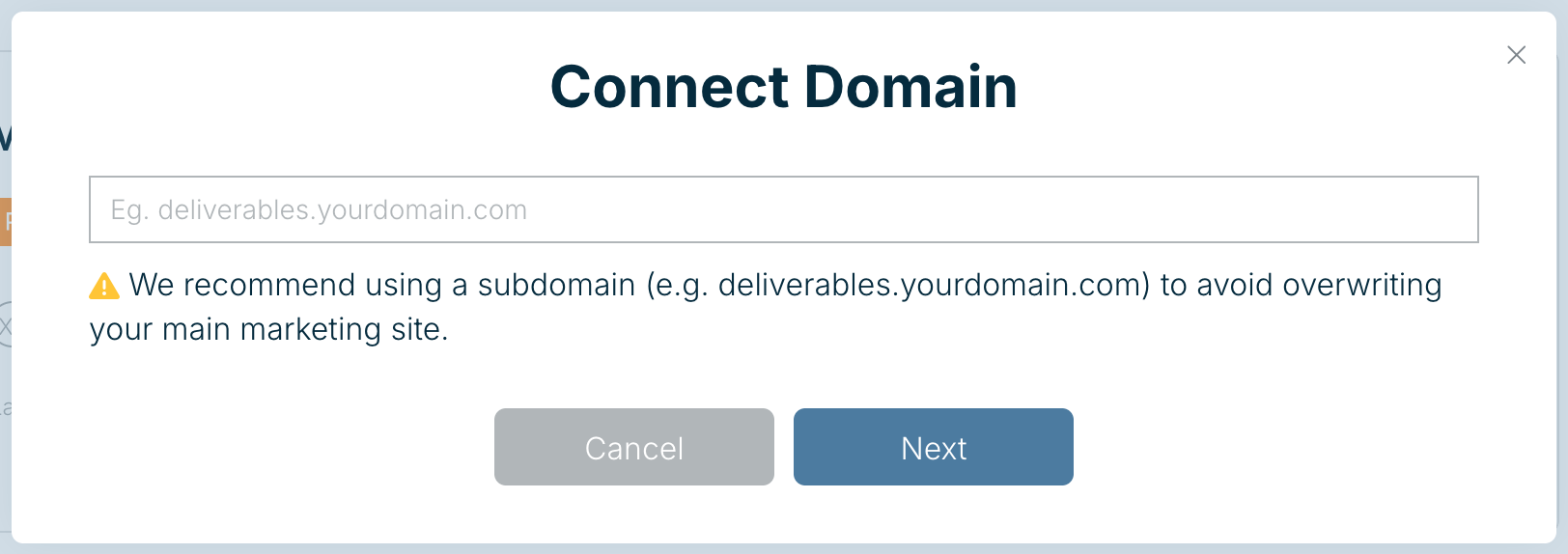
- Enter the subdomain, for example
deliverables.yourdomain.com, and choose Next. - Add the DNS records Xtensio shows you at your DNS provider, then come back to finish.
DNS changes can take from a few minutes to a few hours to take effect.
Publish a deliverable to it
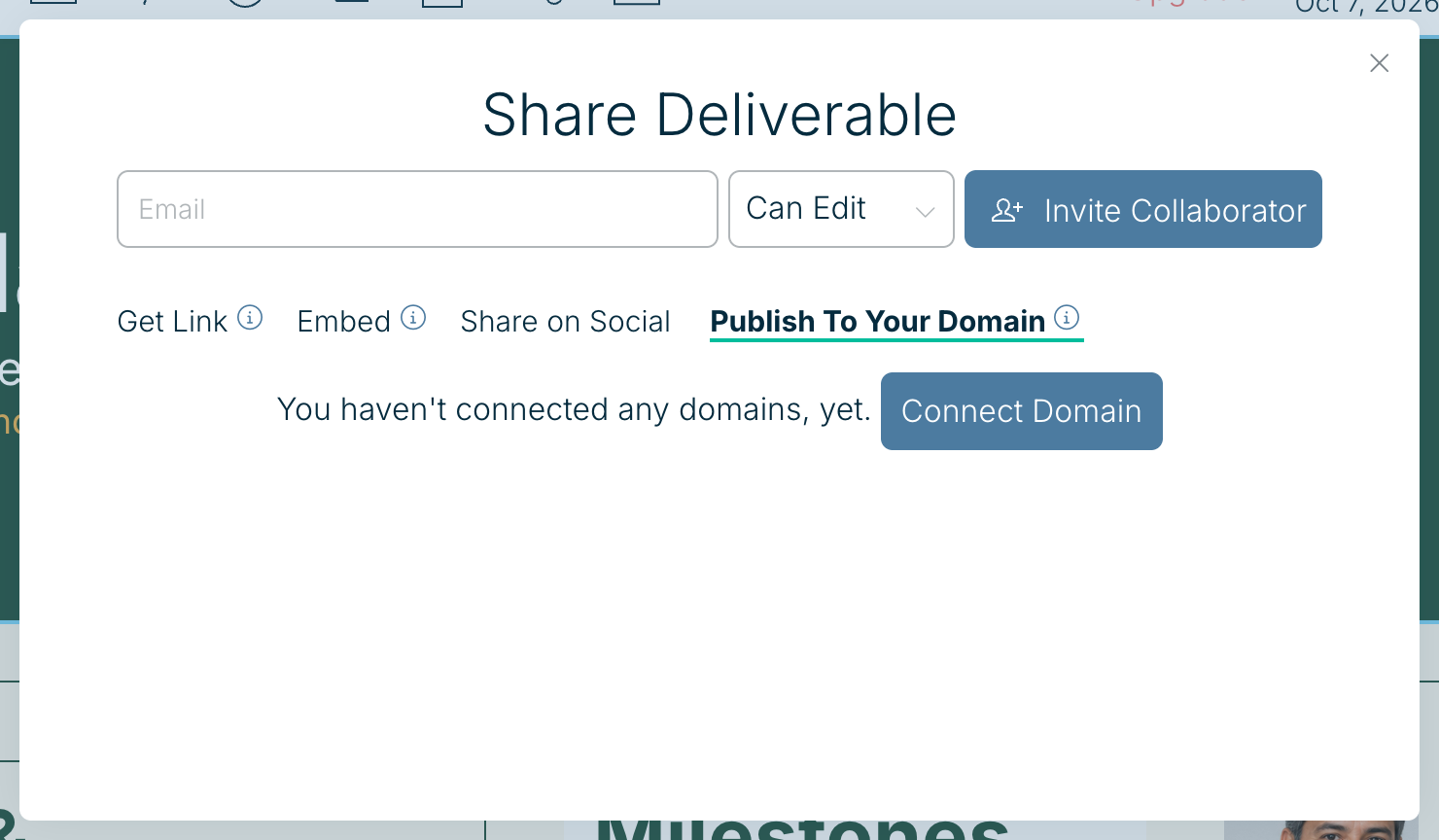
Open the deliverable, choose Share, and use the Publish To Your Domain tab. You can also pick your domain in the link on the Get Link tab.
Stuck? Email help@xtensio.com with the domain you’re connecting.
Related: Your Team URL · Customize your deliverable link
Was this article helpful?