
Change your team name
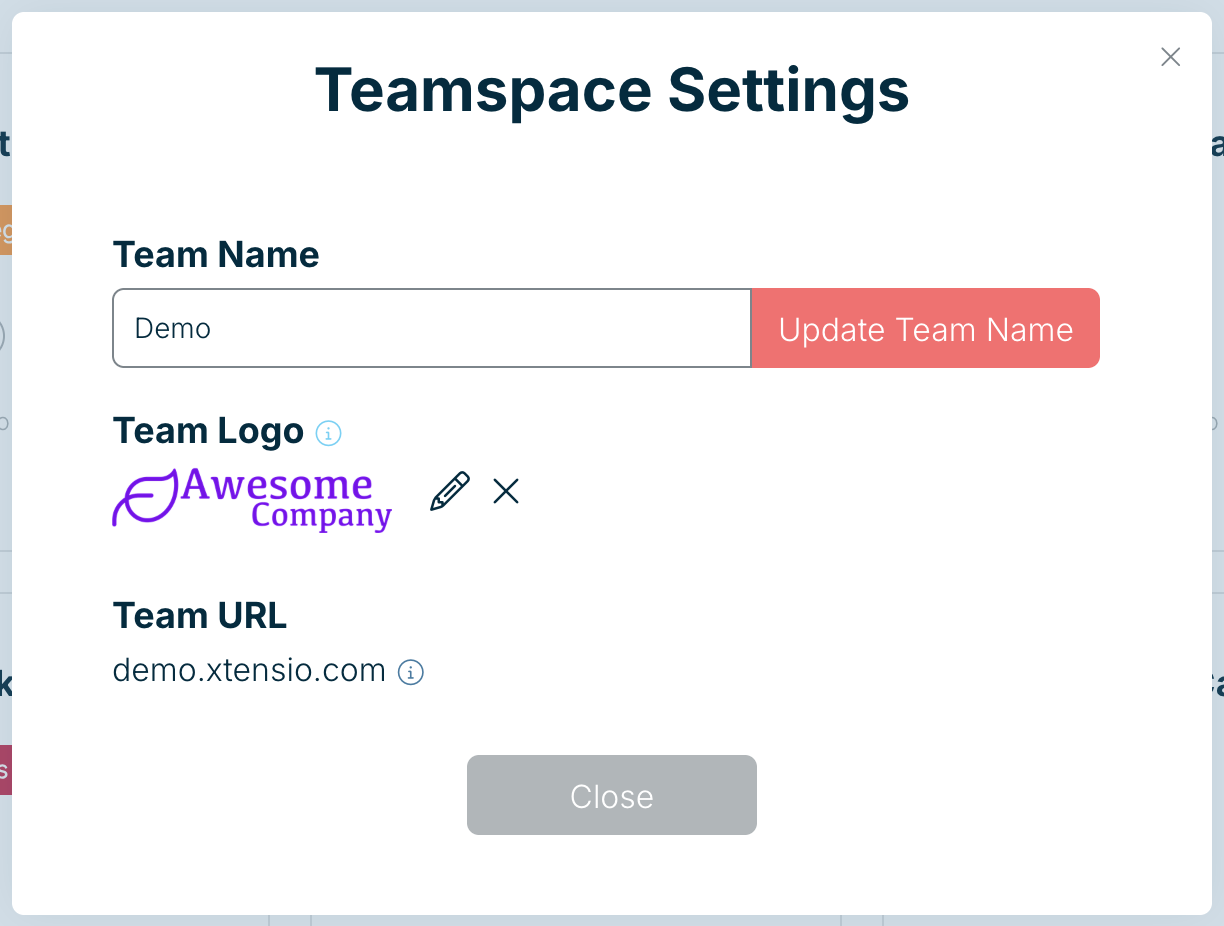
Your team name appears across Xtensio and in the emails your team members and guests receive. The team owner or a team admin can change it.
- Open the menu under your initials at the top right and choose Teamspace Settings.
- Type the new name under Team Name.
- Choose Update Team Name.
What about the Team URL?
The Team URL shown in the same panel (for example yourteam.xtensio.com) can’t be edited in the app, because links you’ve already shared depend on it. To change it, email help@xtensio.com from the team owner’s account with the new name you’d like.
Related: Change your team logo · Manage team members and guests
Was this article helpful?