
Copy or move sections to another deliverable
Reuse a section in another deliverable, or move it there.
- Click the section to select it. Its toolbar appears on the left edge.
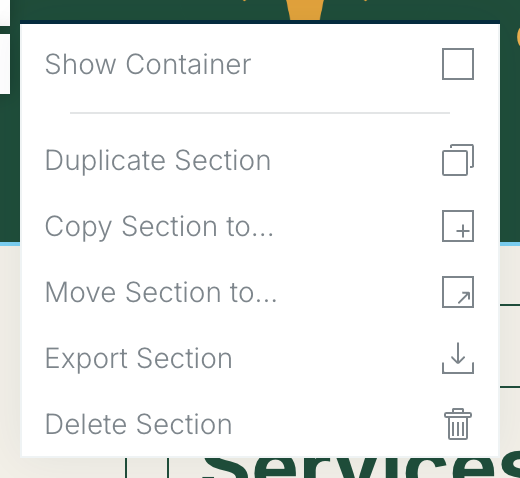
- Choose More (the three dots) at the bottom of the section toolbar to open the section menu.
- Choose Copy Section to (keeps the original) or Move Section to (takes it out of this deliverable), then pick the deliverable.
Copying is a handy way to combine work from several deliverables into one.
Related: Working with sections · Working with modules
Was this article helpful?