
Export sections
Download a single section as an image or PDF, for example to drop one slide into an email.
- Click the section to select it. Its toolbar appears on the left edge.
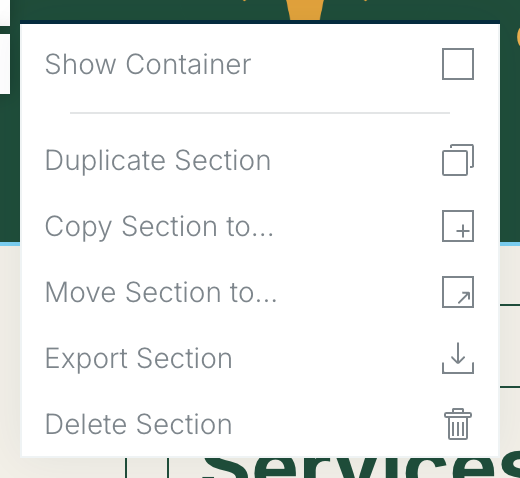
- Choose More (the three dots) at the bottom of the section toolbar to open the section menu.
- Choose Export Section.
Section export works on every plan, including Free. It opens the same export window as the whole deliverable. To export the whole deliverable, see Export a PDF, PNG or HTML file.
Related: Working with sections · Working with modules
Was this article helpful?