
Delete sections
- Click the section to select it. Its toolbar appears on the left edge.
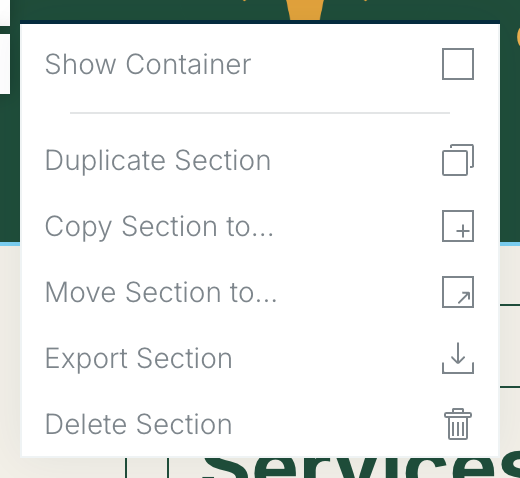
- Choose More (the three dots) at the bottom of the section toolbar to open the section menu.
- Choose Delete Section.
Deleted the wrong one? Restore an earlier version from Revision History. See Revision history.
Related: Working with sections · Working with modules
Was this article helpful?