
Change your deliverable’s colours
You can set colours at three levels: the whole deliverable, a single section, or a section’s background. The colours you pick are used for headings and charts, and new content follows them.
The whole deliverable
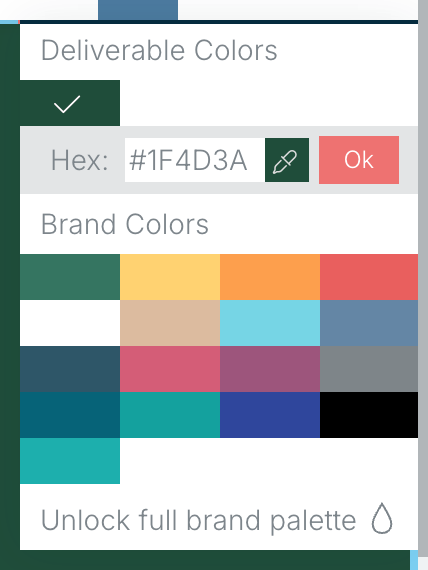
- Choose Deliverable Main Color (the paint bucket) on the right of the module bar.
- Pick one of your Brand Colors, or type a hex code and choose Ok.
One section
Select the section, then choose Section Main Color on its left-hand toolbar and pick a colour the same way. See Change the section main color.
A section’s background
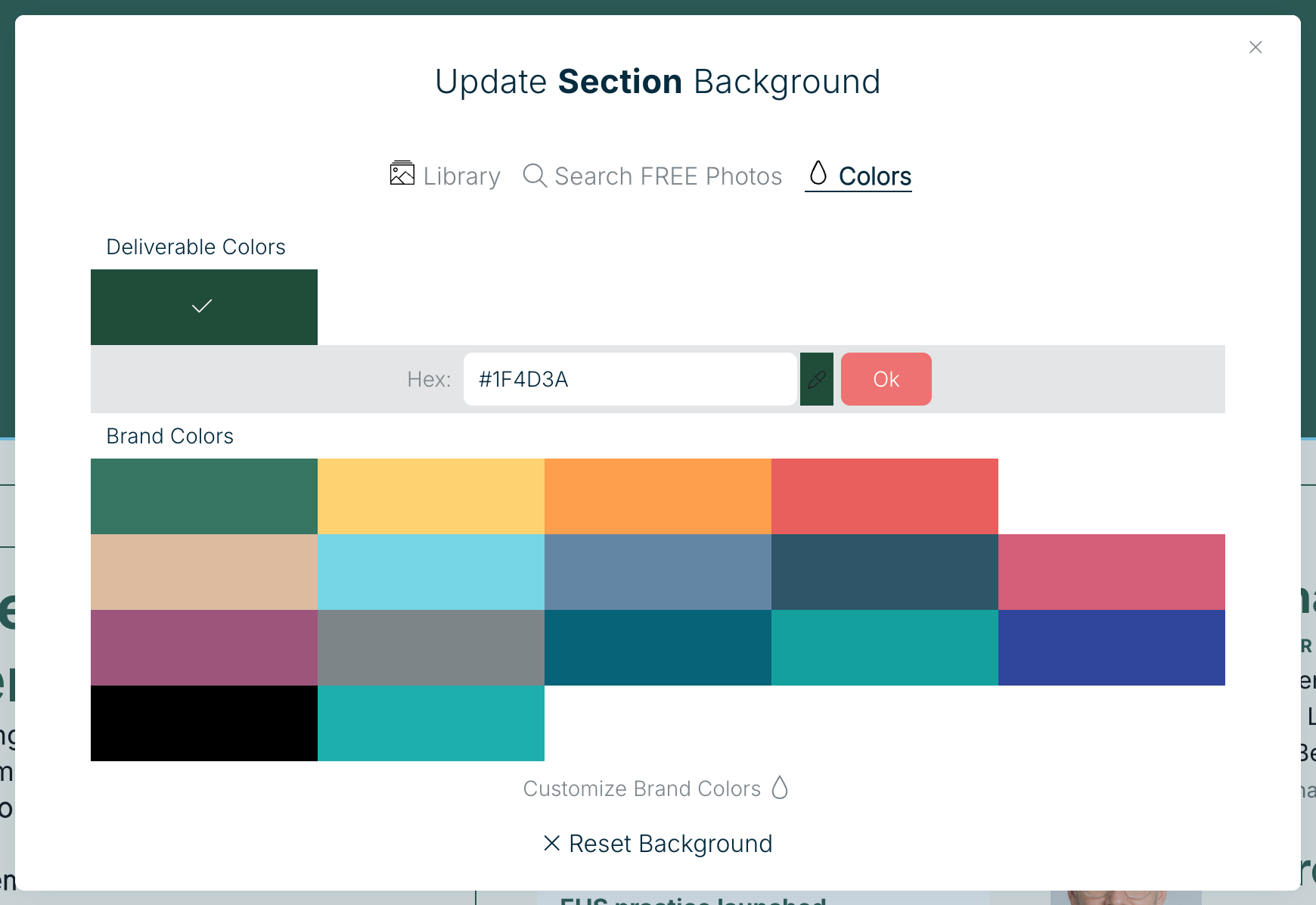
Choose Section Background on the section toolbar. Pick a colour on the Colors tab, an image from your Library, or search free photos.
Use your own brand colours
The colours offered here come from your Brand Kit. Set it up once and they’re available in every deliverable. See Manage the style guide.
Related: Change section background · Change a module color scheme
Was this article helpful?