
Change section background
- Click the section to select it. Its toolbar appears on the left edge.
- Choose Section Background.
- Pick a colour on the Colors tab, an image from your Library, or Search FREE Photos.
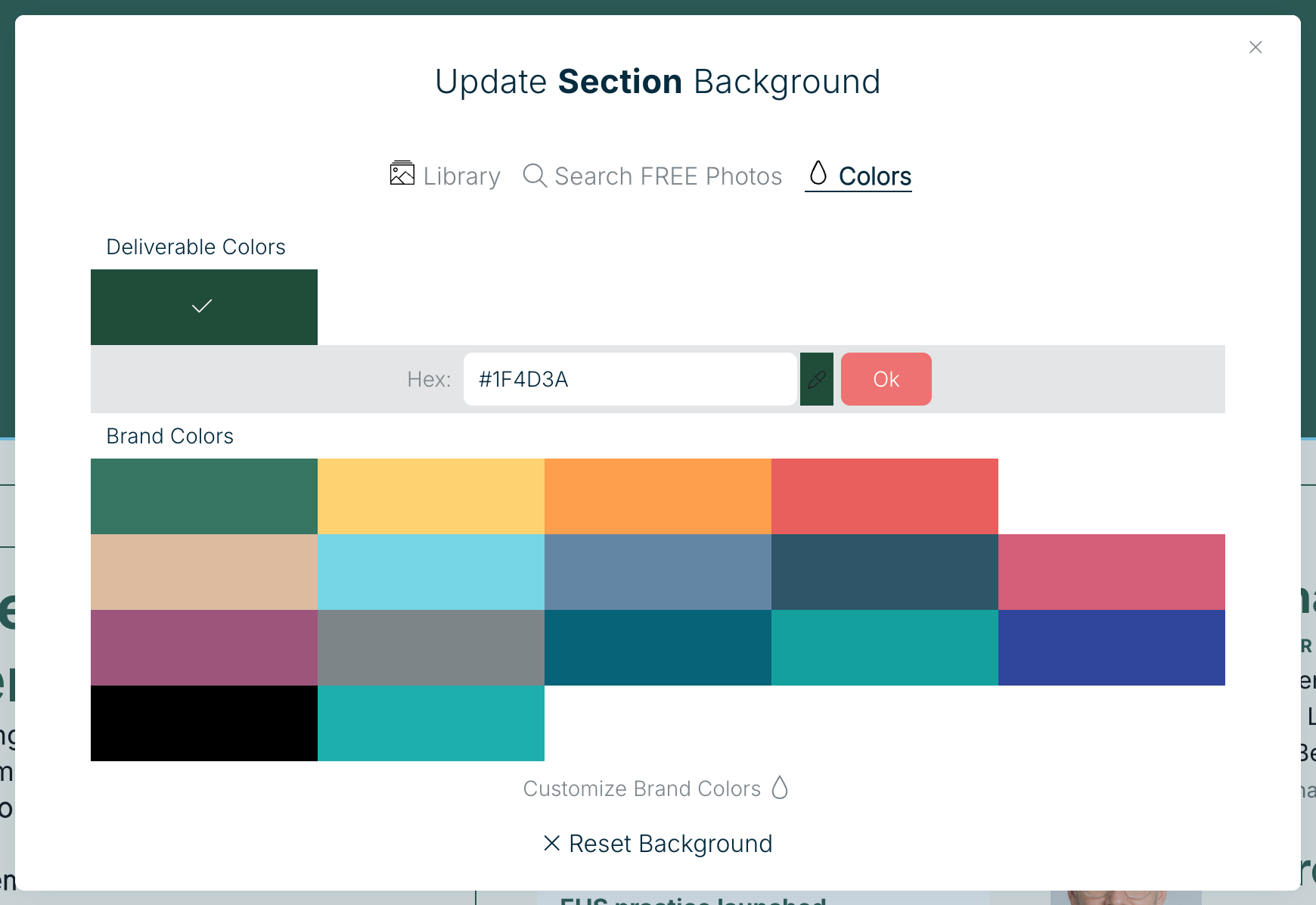
To remove it, choose Reset Background at the bottom of the panel. For tips on picking images that look good at every screen size, see Background image optimization.
Related: Working with sections · Working with modules
Was this article helpful?