
Duplicate sections
Copy a section, with its layout and content, directly below the original.
- Click the section to select it. Its toolbar appears on the left edge.
- Choose More (the three dots) at the bottom of the section toolbar to open the section menu.
- Choose Duplicate Section.
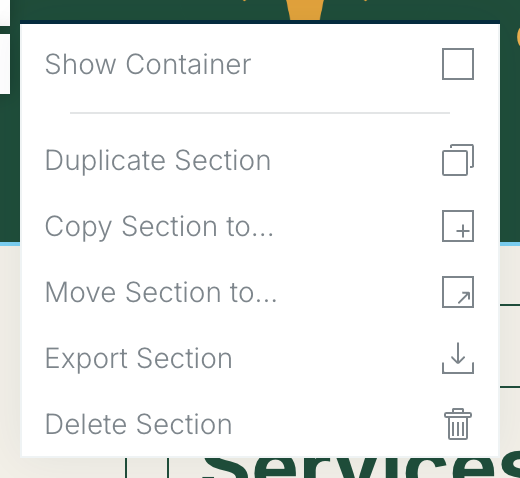
To copy it into a different deliverable, use Copy Section to instead. See Copy or move sections.
Related: Working with sections · Working with modules
Was this article helpful?