
Adding and removing deliverable collaborators
Invite someone to work on one deliverable with you, without giving them access to everything else.
- Open the deliverable and choose Invite Collaborators at the top of the editor.
- Under Invite collaborator to deliverable, enter their email, choose what they can do (for example Can Edit) and choose Invite.
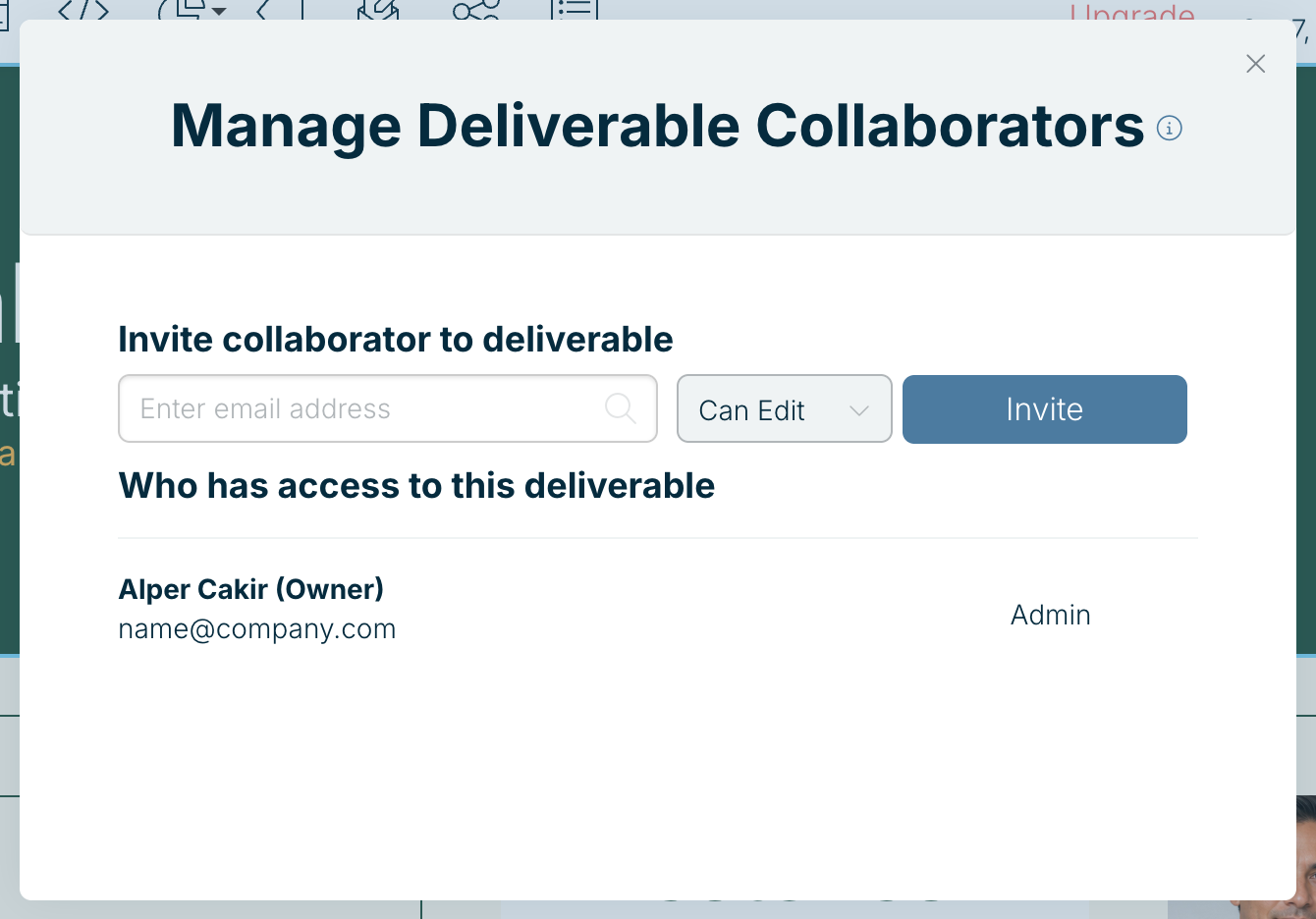
Who has access to this deliverable lists everyone who can open it, and is where you remove people. You can also add someone from the + on a deliverable card on your dashboard.
People outside your team join as guests. Free includes 1 guest; Xtensio Plus includes unlimited guests. See Guests and team members.
Related: Collaborating on deliverables · Team user roles
Was this article helpful?