
Customize your deliverable link
Give your shared link a readable name, like yourteam.xtensio.com/acme-proposal, instead of a random code.
- Choose Share at the top right of the editor.
- On the Get Link tab, choose the pencil next to the end of the link and type the name you want.
- Choose Copy Link.
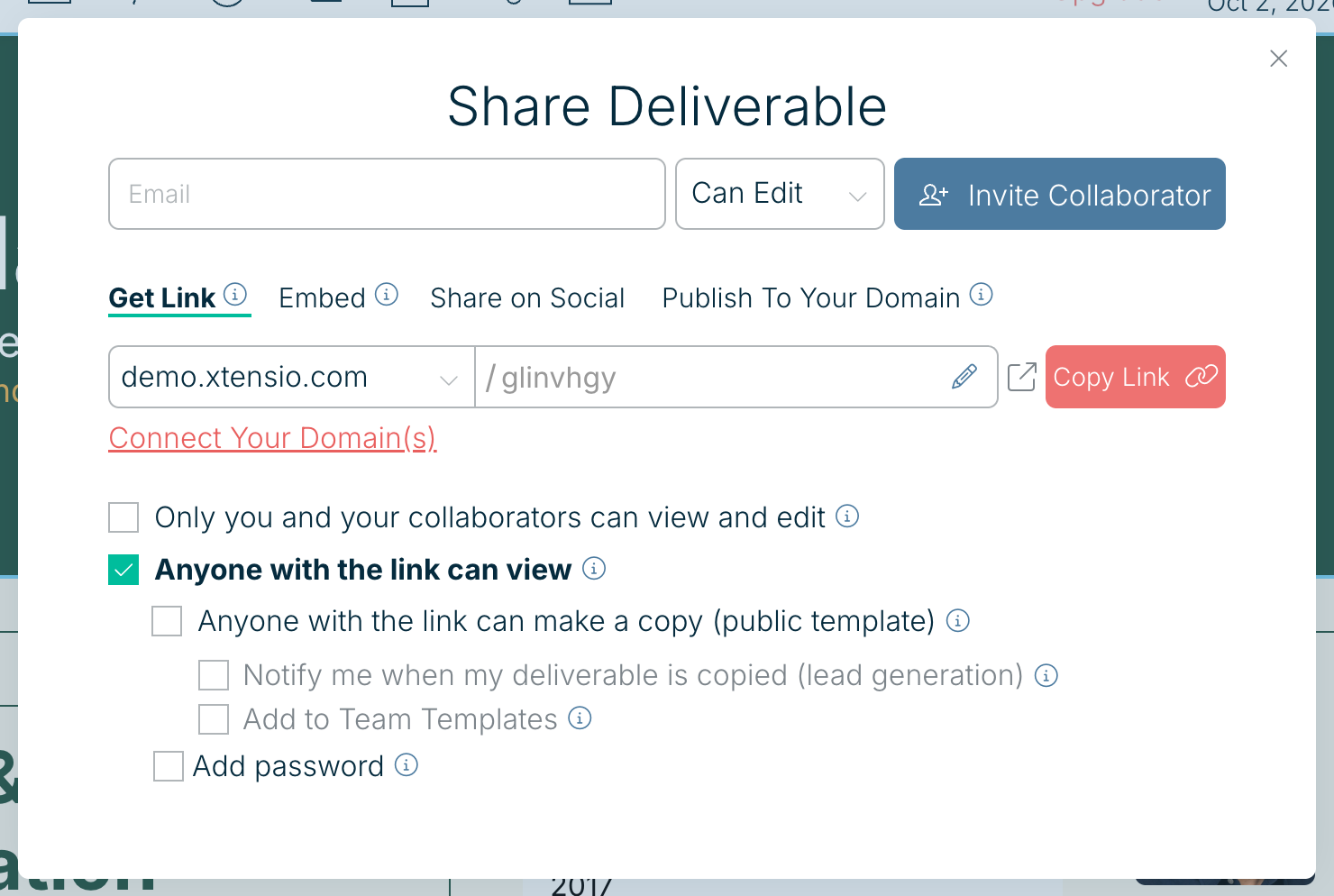
The first part of the link is your Team URL. To use your own address, such as docs.yourcompany.com, choose Connect Your Domain(s) under the link. See Your Team URL.
Custom link names are part of Xtensio Plus.
Related: Share a weblink · Export a PDF, PNG or HTML file
Was this article helpful?